n8n – Save Hours Every Week with This Automation Tool (No Coding Needed)
n8n is a powerful automation tool that acts like a visual flow chart. And the best part? It connects with your favourite apps and doesn’t require any coding.
If you’re drowning in repetitive admin, email clutter, or endless content chores, you’re not alone. I’ve been there too, spending more time managing things than actually creating. That’s why I was so happy to find this software!
In the video below, I walk through how I use n8n to automate everything from inbox management to content production. If you’re curious what it looks like in action, or just want to see some examples you can try for yourself, give it a watch:
Prefer to read instead? Here’s the breakdown with extra context.
What is n8n?
The name’s a bit odd, but the tool itself is straightforward. Think of it like a drag-and-drop flowchart. Each box is a step in a process, something that happens or something you want to happen. You choose your inputs and outputs from the tools you already use, like Gmail, Google Drive, Airtable, Slack, and so on.
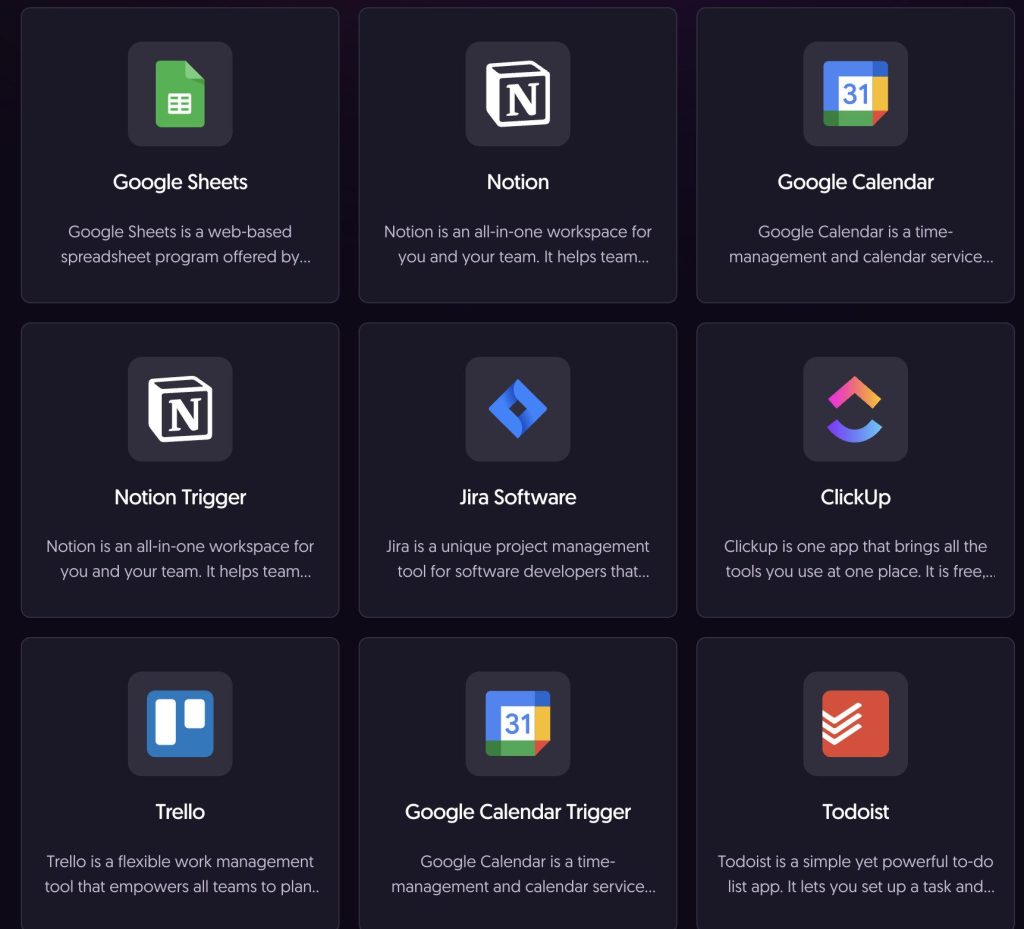
You can trigger actions on a schedule, respond when something external happens, react to a form being submitted, or run automations manually.
Real-World Examples from My Business
Here’s how I’m using n8n in real scenarios, both for myself and for clients.
Automatically Managing My Inbox
I am building a workflow that runs every two minutes and does the following:
- Marks anything in the spam folder as read
- Checks all unread emails
- Pulls out the subject line, sender, date, and other details
- Applies labels using AI or rules based on content
- Deletes clutter (eg. link requests and unsolicited sales pitches)
- Loops back to process the next email
It helps me stay focused by surfacing only what matters and handling the rest in the background.
Bulk Transcribing and Summarising Podcast Episodes
A client had a folder full of podcast audio and needed it turned into usable content. The workflow I built:
- Pulled audio files from a folder
- Transcribed each one
- Converted the text into readable form
- Summarised the episode
- Saved the summaries and full transcripts to Google Drive
This removed a massive amount of manual work from her process and can be repeated again with no additional effort.
Logging Tasks from Slack to Google Sheets
I set up a lightweight Slack bot. When I send a certain Slack it:
- Adds a new row to a Google Sheet with the task and a timestamp
- Responds in Slack with a success message
It’s a quick way to log my important to-dos without leaving Slack or switching tools.
Other Automations I’m Testing
A few more examples that are in progress or recently set up:
- Creating product content based on source data and structured use cases
- Backing up all n8n workflows to a private GitHub repo
- Using web forms to kick off flexible automations based on specific criteria
These are all no-code or low-code, and you can adapt them for your own needs.
Explore What’s Possible
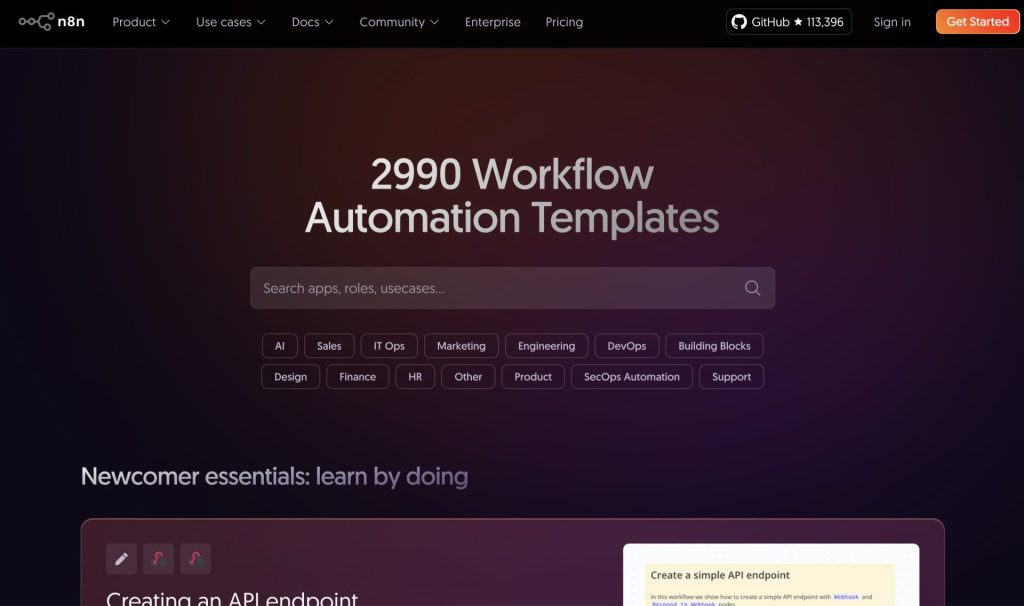
The n8n website includes a full list of supported apps and a growing template gallery. A few use cases you’ll find there:
- Pull lead info from Gmail and classify it
- Turn a Google Sheet into scheduled content for social media
- Create custom notifications and reminders from events in your calendar
- Generate viral content automatically
There are plenty of ideas to start from, and most can be tweaked to suit your setup. If there’s something you’d like me to walk through in a future tutorial, just ask.
Cloud or Self-Hosted?
I use the self-hosted version, but there’s a cloud-based trial you can use to get started. It’s limited in how many automations can run in the background, but you can still do a lot by running things manually or scheduling them to run at intervals.
If you find it useful, the paid cloud version is reasonably priced, and the free self-hosted option gives you more control.
Try It For Yourself
I’ve recorded an n8n getting started tutorial showing how to:
- Sign up for the free cloud version
- Build your first automation in just a few steps
That’s the next video to check out if you want to see how it all fits together.
If you want more of this kind of intro to practical tools and workflows for creators, bloggers, and small business owners, let me know what you’d like to see next – The best content ideas always come from your questions.
See you in the next one.